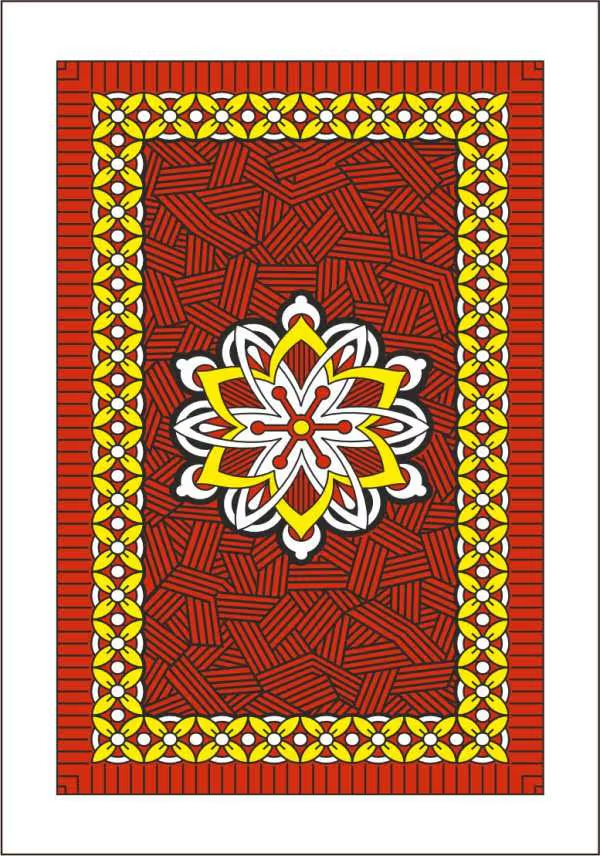
Deck Preview Studio
Visualize your custom tuck box design in 3D before printing. Rotate, zoom and inspect every angle.

DRAG to rotate the deck
SCROLL to zoom the deck


Getting Started
Never designed a tuck box before? No problem. Here's everything you need:
Design Software
You'll need one of these:-
If you're starting out, we highly recommend Canva. TEMPLATE LINK
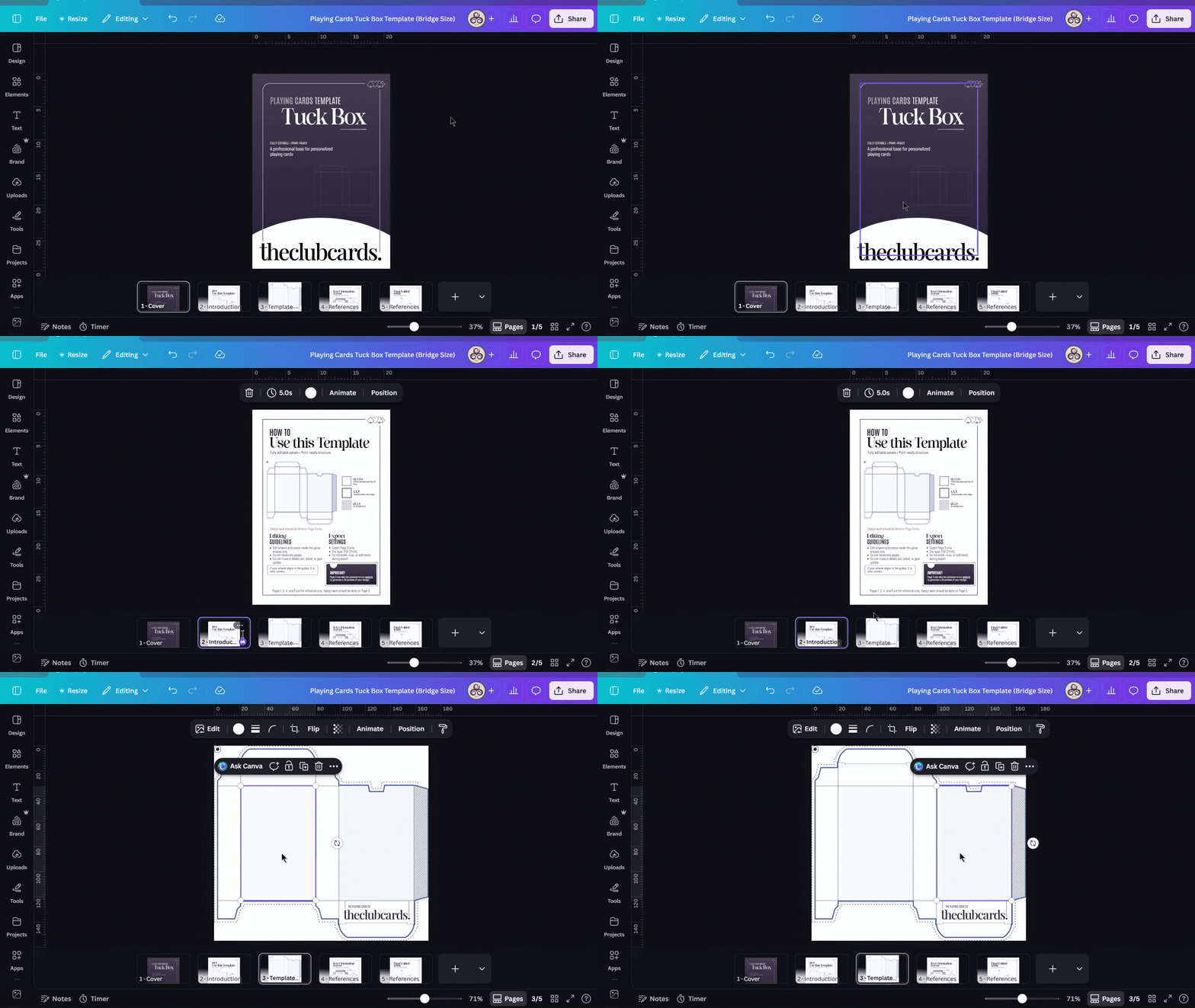
If you're starting out, we highly recommend Canva. TEMPLATE LINK
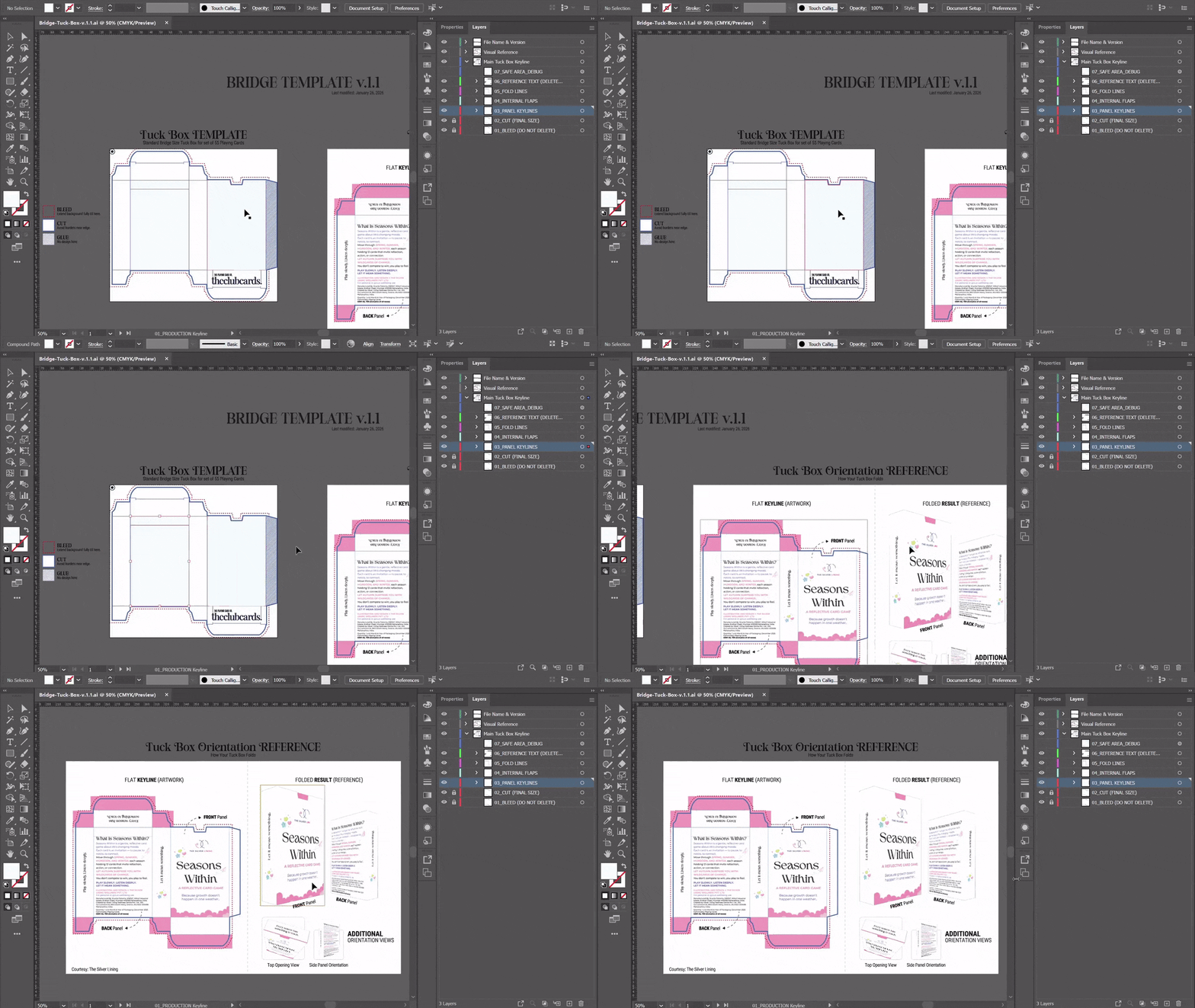
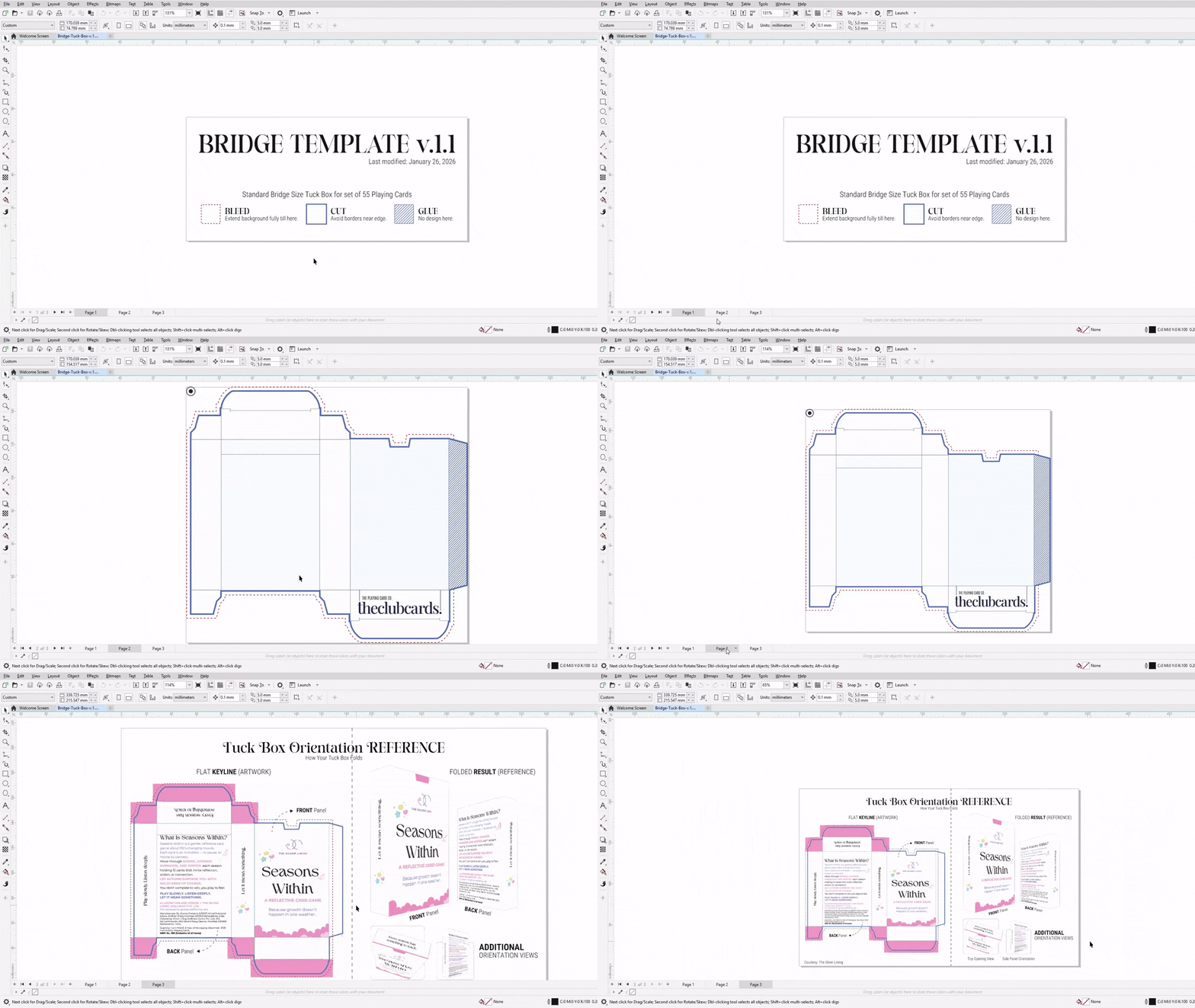
The best apt. format for Corel would be importing PDF
What to Design?
Your tuck box can include:
- Your logo and brand colors
- Product information
- Decorative patterns or artwork
- Photos or illustrations
Make sure your design extends to the edges.
Questions We Get Asked the most.
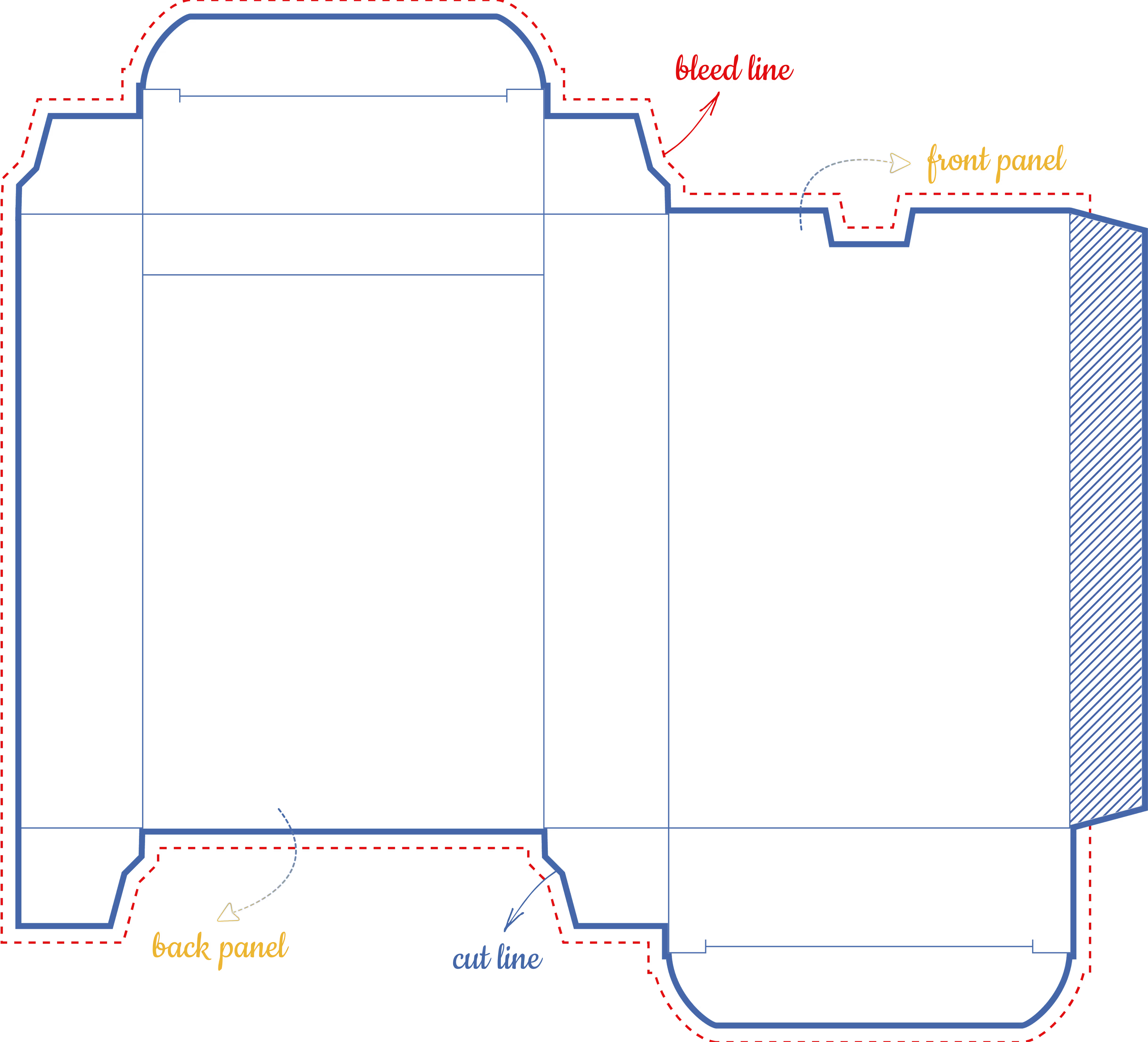
Bleed is the area where your design extends past the cut line. If your design stops exactly at the cut line, you'll see white edges on the final product.
Our template marks bleed areas in red. Simply extend your design into these red zones.
Download the template to see exactly where your design should extend.
Yes! The 3D preview tool works perfectly on phones and tablets.
MOBILE CONTROLS:
- Swipe to rotate the tuck box
- Pinch to zoom in and out
- Tap the view buttons to switch between Keyline and 3D Mockup
We find that mobile controls feel even more natural; like holding a physical box in your hands.
For designing your tuck box, we recommend using a computer with design software (Photoshop, Illustrator, CorelDRAW, or Canva). Once your design is ready, you can preview it on any device.
No, this tool is for previewing only. You'll need a design software to create your tuck box artwork.
FREE OPTIONS:
- Canva (web-based, beginner-friendly)
- GIMP (free Photoshop alternative)
PROFESSIONAL OPTIONS:
- Adobe Photoshop
- Adobe Illustrator
- CorelDRAW
Our template works with all these programs.
Our standard timeline is 21 business days from approval. Express options are available.